
Combine descriptor values to a three channel RGB image which can be used to visualize the three channels simultaneously.
Note that the purpose of this descriptor is visualization, and if you are interested in the exact pixel-level predictions you should use the values of the underlying three descriptors directly and not use the Combined RGB image.
Learn more about the encoding of data below.
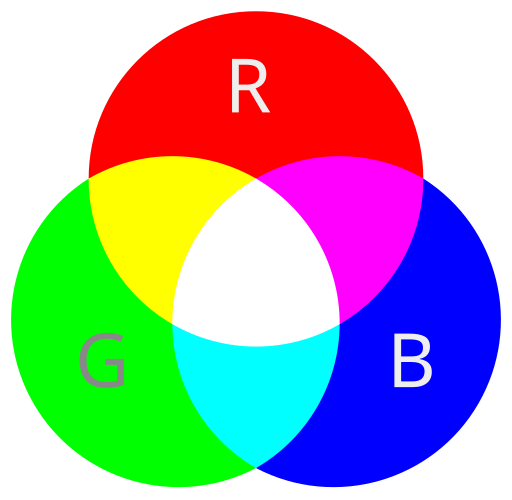
Parameters
Red
The descriptor for the red channel value.
Green
The descriptor for the green channel value.
Blue
The descriptor for the blue channel value.
Smooth
Smooth prediction result using median filter kernel
-
None
-
No Smoothing prediction.
-
-
Low
-
Smoothing using median filter kernel with 5x5 pixel box
-
-
Medium
-
Smoothing using median filter kernel with 10x10 pixel box
-
-
High
-
Smoothing using median filter kernel with 15x15 pixel box
-
Example usage in the Analysis Tree
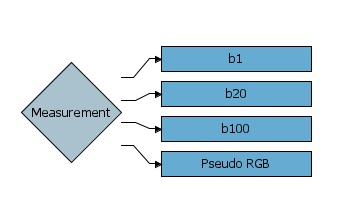
This Analysis Tree combines the data for wavelength bands b1, b20, b100 into an RGB image. Notice that the Combined RGB image descriptor should be placed below the input descriptors.
Example output in the Breeze Table
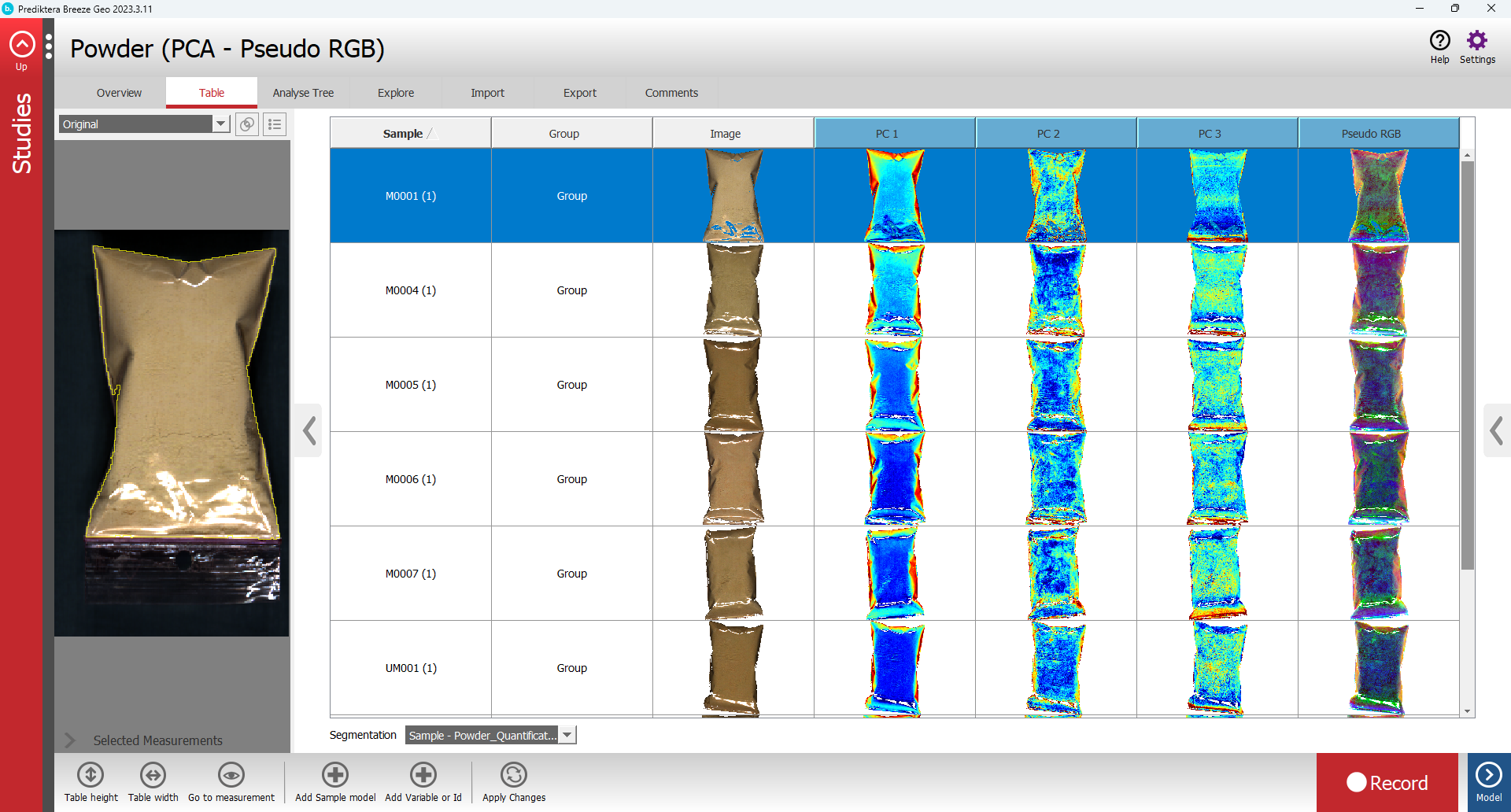
This is the output from a PCA descriptor with three components and a Combined RGB image (Pseudo RGB) column from PC 1, PC 2 and PC 3 (not the same example as above):
How data is encoded into the three-byte RGB data
A RGB value is only three bytes large. This means that Breeze needs to compress four-byte quantitative data to fit inside one of the color channels in the RGB.
For each of the underlying three descriptors, the configured data range in the form of Min and Max is used to compress the value of each pixel to the range for a RGB byte: 0-255.
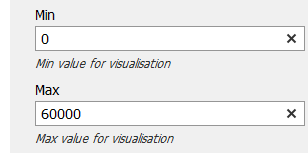
Any value outside the range [Min, Max] is clamped to the bounding values.
Using Combined RGB image data with the Runtime in Pixel Prediction Lines mode
If you use Pixel Prediction Lines in a Runtime workflow (learn more in Introduction to Breeze Runtime development), the data for the Combined RGB image needs to be decoded to make sense:
In the Runtime the value of the Combined RGB image descriptor is a four-byte float. However, it cannot be interpreted as a floating-point number. Instead, it must be unpacked into the individual RGB channels as follows.
Internally, the value is structured like this:
[ unused ][ Red ][ Green ][ Blue ]
8 bits 8 bits 8 bits 8 bits
Each color occupies one slot inside the number.
Pseudo code to extract Red, Green, Blue:
bits = rawBitsFromNumber(combinedRgbImageValue)
red = extract 8 bits starting at position 16
green = extract 8 bits starting at position 8
blue = extract 8 bits starting at position 0
After this step, red, green, and blue are normal values in the range 0–255. They can be used as image colors or converted back to approximate physical values, using the known Min and Max for each descriptor and back-scaling.
Values outside the configured range [Min, Max] cannot be recovered. The 255 different values do not allow for the full precision for underlying quantitative descriptors in Breeze.