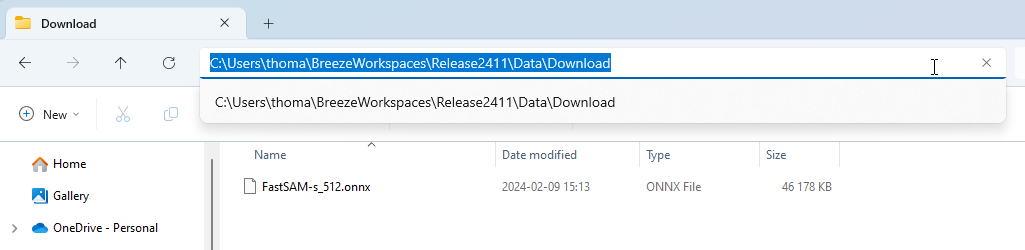
If your machine is unable to connect to Prediktera’s file serving servers you can manually download SAM (FastSAM) ONNX models from this site and place them in the “Data\Download” folder in your workspace (see Workspace guide for more information)
https://file.prediktera.se/sharing/en01vcjoq
And download the file you are interested in, the naming convention is FastSAM-[s|x]_[resolution]
example
After downloading model type FastSAM-s with spatial resolution 512 x 512 and placing it in the “Data\Download” Breeze folder it can look like the image below.