Breeze HySpex Recorder is an edition of Breeze, introduced in version 2025.1, designed to perform data acquisition from HySpex cameras, image editing and interactive analysis of the spectral data. It is offered free of charge to HySpex customers.
See the product presentation on the Prediktera web site at Breeze HySpex Recorder - Prediktera.
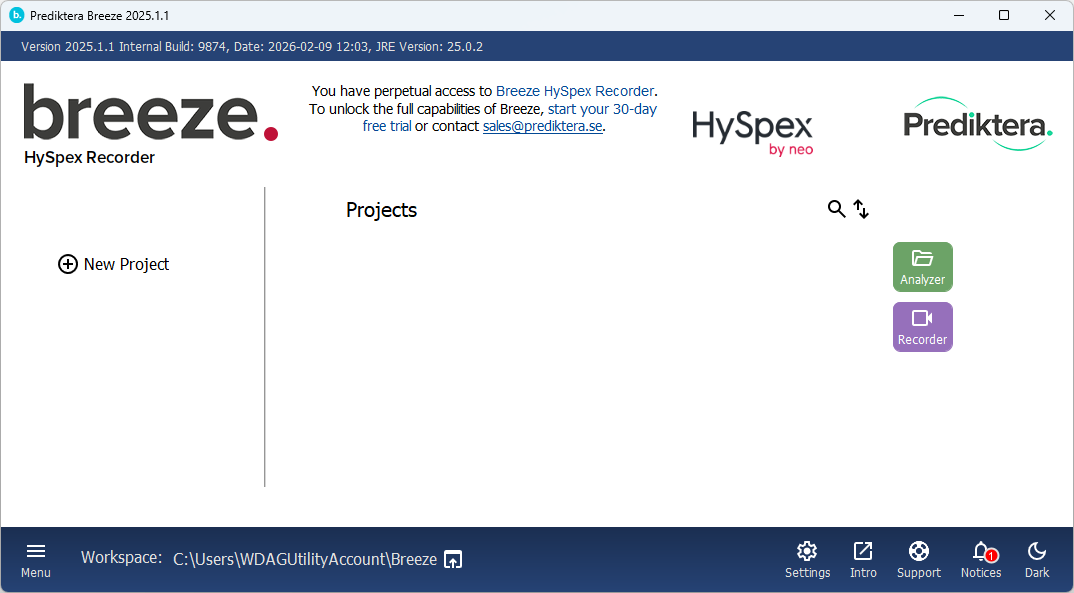
The remainder of this page explains the product features, compares it to other products and shows how to use and how to get help.
Features and comparison with the full Breeze product
Breeze HySpex Recorder is the same program as the full Breeze edition, but with most data analysis features disabled:
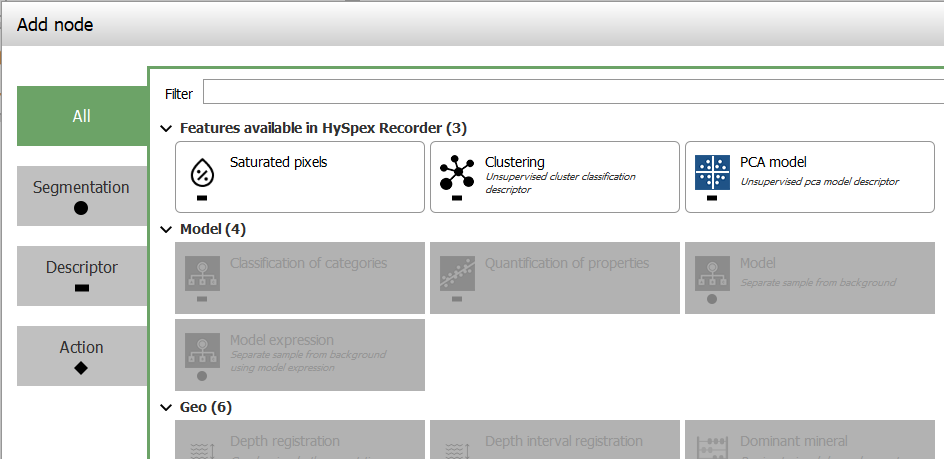
To learn more about all the features included in HySpex recorder, click below to expand details.
The Breeze HySpex Recorder software does not expire and can be run perpetually without additional cost.
Features unlocked by a full Breeze license
These features are not available in HySpex Recorder. To access these, you need a full Breeze license:
-
Data analysis using workflows in the Analysis Tree, using the many built in Segmentations Descriptors
Use of optional Modules:
-
The Geological analysis and Core logging modules.
-
The Breeze Runtime API module for third party industrial integrations.Introduction to Breeze Runtime development
Learn more about Licensing.
Using HySpex Recorder
Start Breeze from Windows Start or use the shortcut in the C:\Program Files\Prediktera\Breeze folder.
Learning Breeze HySpex Recorder
The Breeze HySpex Recorder Guide walks you through configuring a HySpex camera in Breeze, how to tune settings, how to record images from cameras, perform basic editing and analysis, and exporting data.
The short guide Recorder guide is also available if you just want to focus on image acquisition.
Activating the 30-day trial of the full Breeze
Prediktera encourages you take advantage of the built-in 30-day trial of the full Breeze software to experience the data analysis features of Breeze.
You activate the trial from within Breeze HySpex Recorder by providing your contact information and accepting the privacy policy:
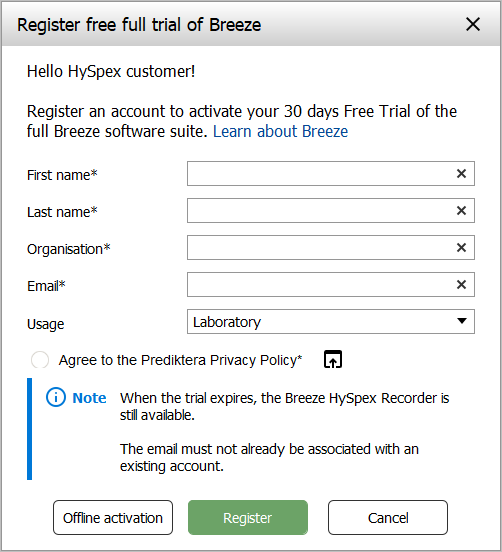
As you can see above in the screenshot, there is a button for Offline activation should the PC not have internet access.
After completing the form, the 30-day trial is started.
Breeze will show you Breeze-specific information and recommend some Tutorials to learn about data analysis in Breeze.
If the trial expires, the software will revert back to HySpex Recorder again and will continue to run perpetually.
Obtaining a Breeze license
There are several ways to license Breeze, from yearly to perpetual licenses, with or without optional modules. Learn more in Licensing.
Contact Prediktera to discuss what license is best for you.
Troubleshooting & Support
In Breeze log files and troubleshooting you can learn how you can solve issues that might occur.
You can also get help from us, using built-in shortcut for support, in the lower right corner of the start screen. By using this shortcut, metadata about your license is included in the support request enabling the best possible support.
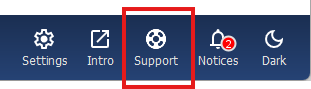
The shortcut takes you to the web-based form, where you are asked to describe your support request:
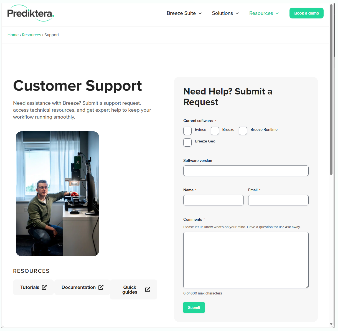
After the form is completed, HySpex will provide hardware-related support for cameras and physical stages, and Prediktera will assist with software issues such as for data analysis.
Learn more about support at https://prediktera.com/support .
Software updates
Breeze HySpex Recorder will show a notification when there is a software update available. These notifications go to a web page showing the new features and other changes.
Prediktera recommends that all customers keep their software updated to the latest version. Failure to do so may limit Prediktera’s ability to provide support.
As for Breeze in general, if an issue is found in Breeze HySpex Recorder, we will investigate it in the latest Breeze version, and if required fix it and provide you with a fixed version to test. The fix will later be rolled up in the next Breeze Preview, and finally in the next full release of Breeze for general availability.
Supported cameras and scanner systems
See the list of Supported hardware to learn what HySpex products work with Breeze HySpex Recorder. Learn more about HySpex cameras on the HySpex website at Products | HySpex.
Installing and configuring Breeze HySpex Recorder
HySpex Recorder is installed and configured by HySpex on PCs delivered to customers starting in 2026.
Existing HySpex customers are entitled install and use Breeze HySpex Recorder on their PCs. To obtain the software, refer to Prediktera’s web site.
To learn about making settings for HySpex cameras in Breeze, see HySpex hardware installation